01 / Knights & KnavesWho tells
Who tells
the truth?
Knights always tell the truth. Knaves always lie. Use the clues to decide who is who.
Optional one-time purchase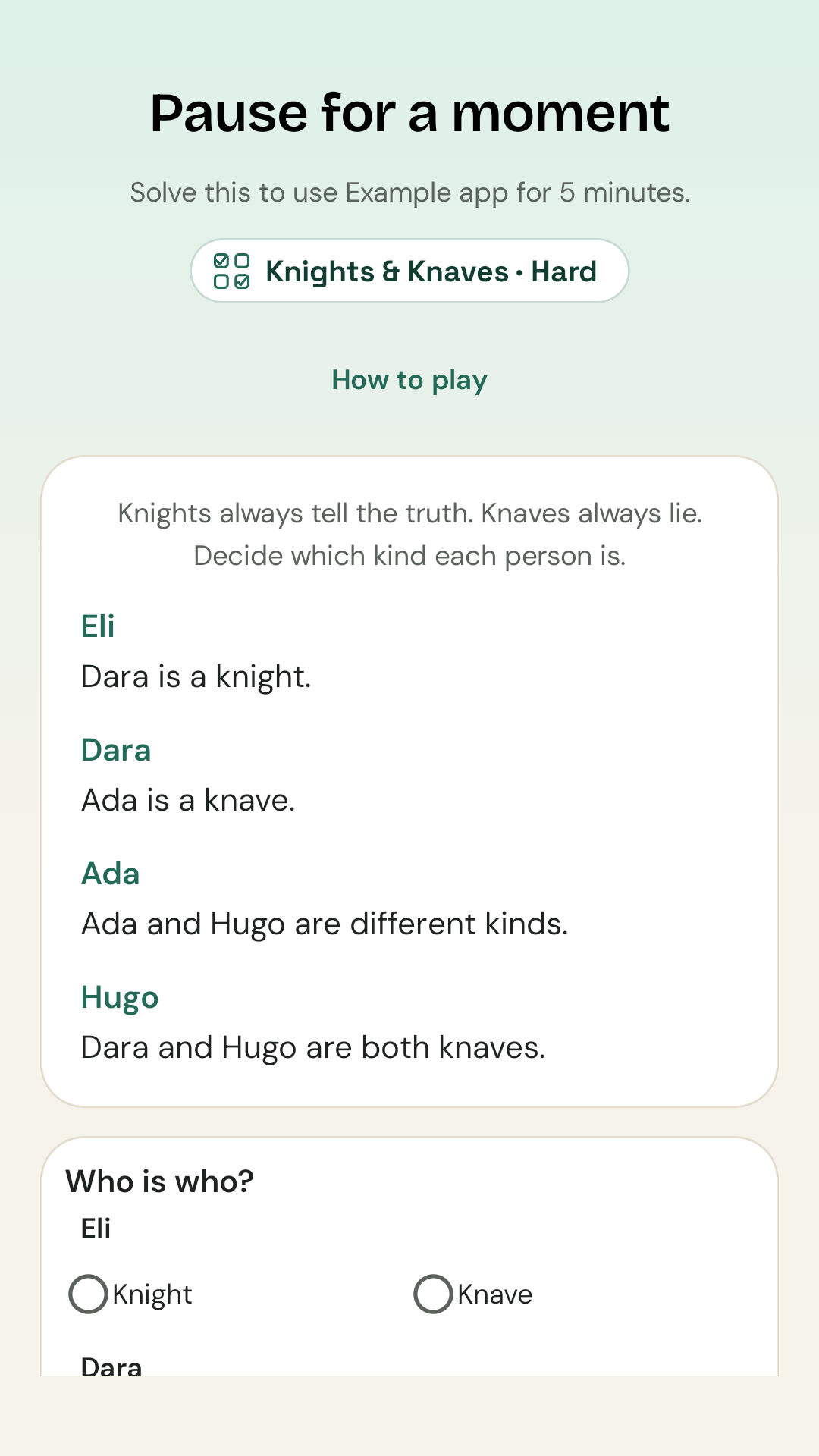 View screenshot ↗
Give your brain the first move. PuzzleGate puts a puzzle between you and the apps you open on autopilot.
Coming to Android. A little pause is on its way.
Make the pause your own. Sort out who tells the truth, fill a Sudoku grid, or look for checkmate. Pick the challenges and difficulty that suit you.
Knights always tell the truth. Knaves always lie. Use the clues to decide who is who.
Optional one-time purchaseView screenshot ↗Fill a 9 × 9 Sudoku before continuing. A more thoughtful pause, at your chosen level.
Included free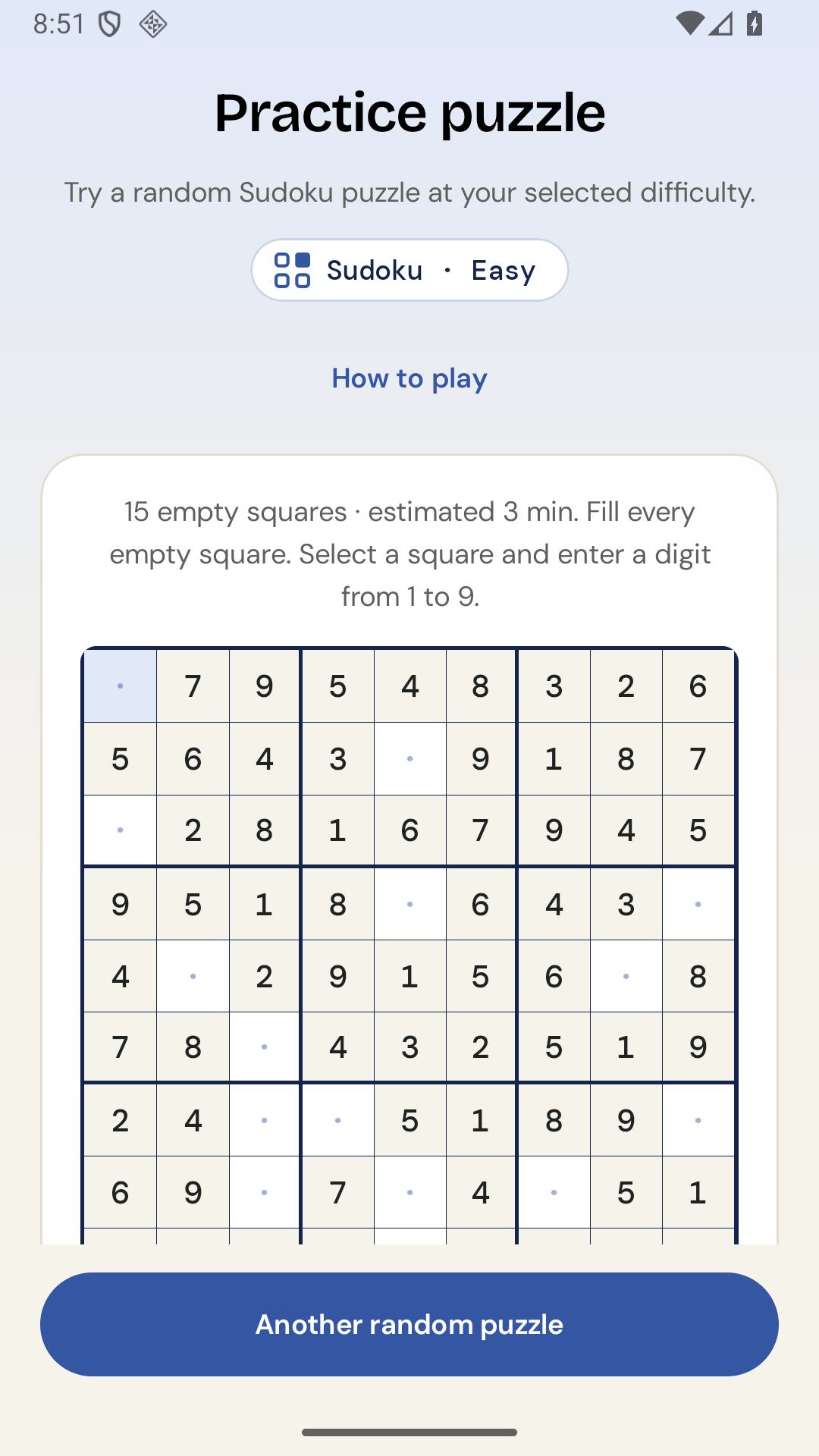 View screenshot ↗
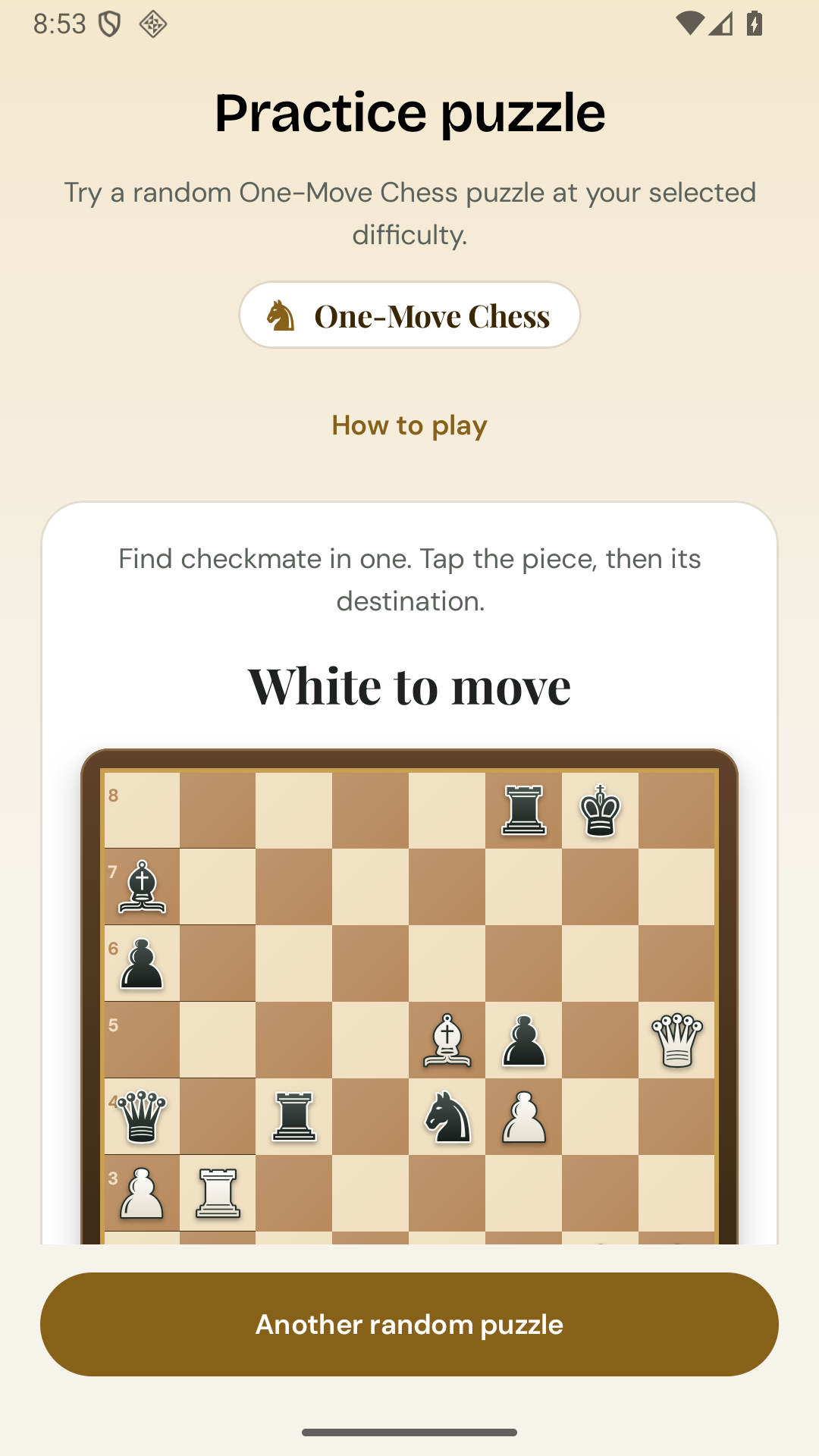
Find mate in one. Give your next app opening a little more intention.
Optional one-time purchaseView screenshot ↗Actual screenshots from practice mode. When blocking is enabled, puzzles appear over your selected apps.
Quick Maths · Crossword Clues · Anagrams · Word Ladder · Ring Maths · Anki Cards · KenKen / Killer Cage
Quick Maths, Sudoku, Crossword Clues, Anagrams and Word Ladder are free. The other five categories, including Knights & Knaves, are optional one-time purchases.Select the distracting apps you want to pause. Nothing is selected for you.
Pick your puzzle categories, difficulty and access time. Enable blocking after reviewing the permission disclosure.
Open a selected app and solve a puzzle to continue. Or leave the app and get back to your day.
You’re in charge. Pause blocking whenever you want. Essential phone, Settings, home and keyboard controls are excluded from blocking.
Puzzles and imported Anki text cards are processed on your device. PuzzleGate doesn’t keep a history of the apps you open or upload your puzzle answers to a developer server.
App detection uses Android accessibility window-change events with your consent. It doesn’t read screen text, messages or passwords. Google Play handles optional purchases.
Read the privacy policyPuzzleGate is an Android app blocker that adds a puzzle before you can use an app you’ve selected. It helps you pause before automatic scrolling rather than relying only on a timer.
You choose which installed apps to block, including supported social apps such as Instagram. It’s a separate focus app, not affiliated with Instagram or Meta. Behaviour can vary by device and Android version.
The bundled puzzles and imported supported Anki text cards work offline. Google Play purchases and restoring purchases may require a connection.
Yes. The optional Anki Cards category can import supported Basic text cards from an .apkg export. It’s a local puzzle feature: it doesn’t sync to Anki or update its review schedule. Cloze, media and complex templates aren’t supported.
Yes. Pause from the app, remove selected apps, withdraw consent, disable the accessibility service, or uninstall. PuzzleGate is a voluntary focus tool.
PuzzleGate is coming to Android. The Google Play link will appear here when the app launches.